🧰 TermuxVoid: 288 Security & Utility Tools for Termux (APT + Pacman)
on this page
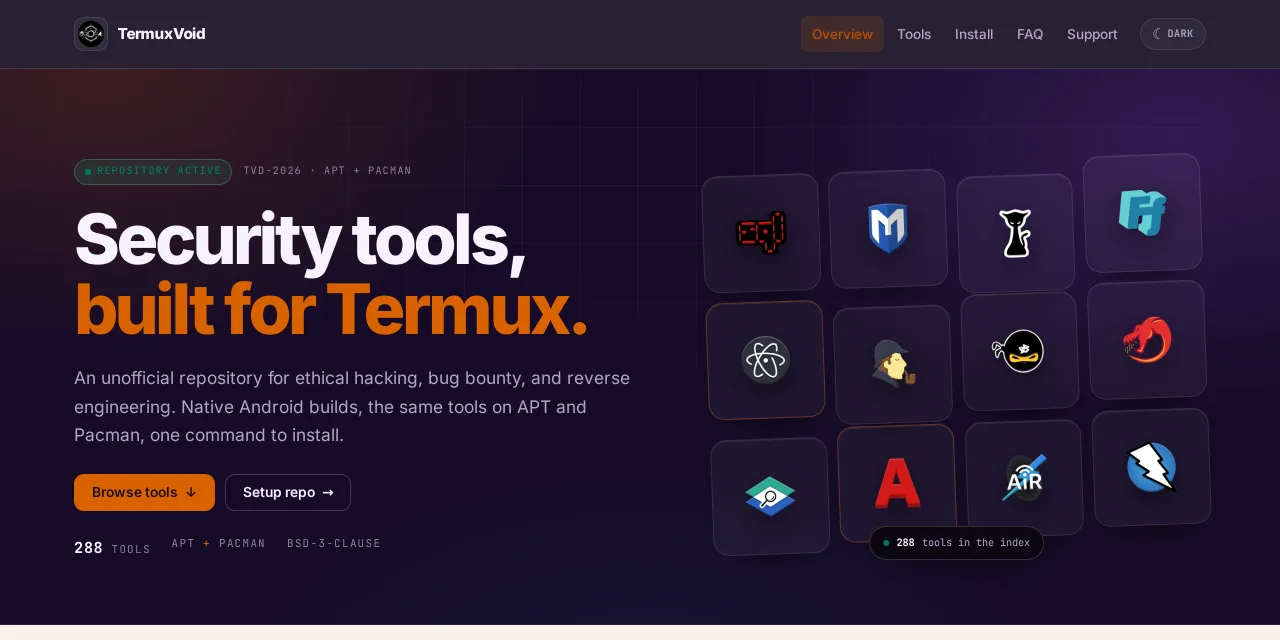
TermuxVoid is an unofficial package repository for Termux that adds 288 security, Android, AI and utility tools the official repositories do not ship. It works with both APT (dpkg) and Pacman, and every package is packaged for Android — some are compiled on device, others ship as prebuilt upstream binaries.
It replaces the older alienkrishn repository, which is now archived. Everything has moved to TermuxVoid.
Why another repository?
The official Termux repos focus on core utilities. Pentesting frameworks, reverse-engineering tooling, Android modding utilities and AI coding agents are often missing or out of date there.
TermuxVoid fills that gap:
- 288 tools across 18 categories in the current catalog
- Same packages on APT and Pacman — pick whichever setup you use
- Android-first packaging — built and wrapped for Termux, including glibc wrappers where upstream needs them
- GPG-signed APT metadata — the installer adds the TermuxVoid key
- BSD-3-Clause licensed and community maintained
The catalog is read live from the repository index, so the website always shows the current tool list.
Install
Use the setup that matches your Termux installation.
APT / dpkg:
curl -fsSL https://v.gd/termuxvoid_apt | bash
Pacman:
curl -fsSL https://v.gd/termuxvoid_pacman | bash
Then refresh and install anything:
pkg update
pkg install metasploit-framework
On a full Pacman setup you can also use pacman -S <tool-name>.
You need Termux from F-Droid or GitHub, Android 7 or newer, and enough free storage for large tools.
Piping a remote script to
bashruns it immediately. If you want to inspect it first, download install.sh and read it before running.
Meet tvpkg
The installer also sets up tvpkg (alias tv), a small package manager that wraps pkg and works on both APT and Pacman. Run it without arguments to open the interactive TUI with fuzzy search, install/remove/info actions and a clean progress screen:
tvpkg
Prefer commands? It has you covered:
tvpkg search sqlmap
tvpkg install sqlmap
tvpkg update
tvpkg upgrade
What’s inside
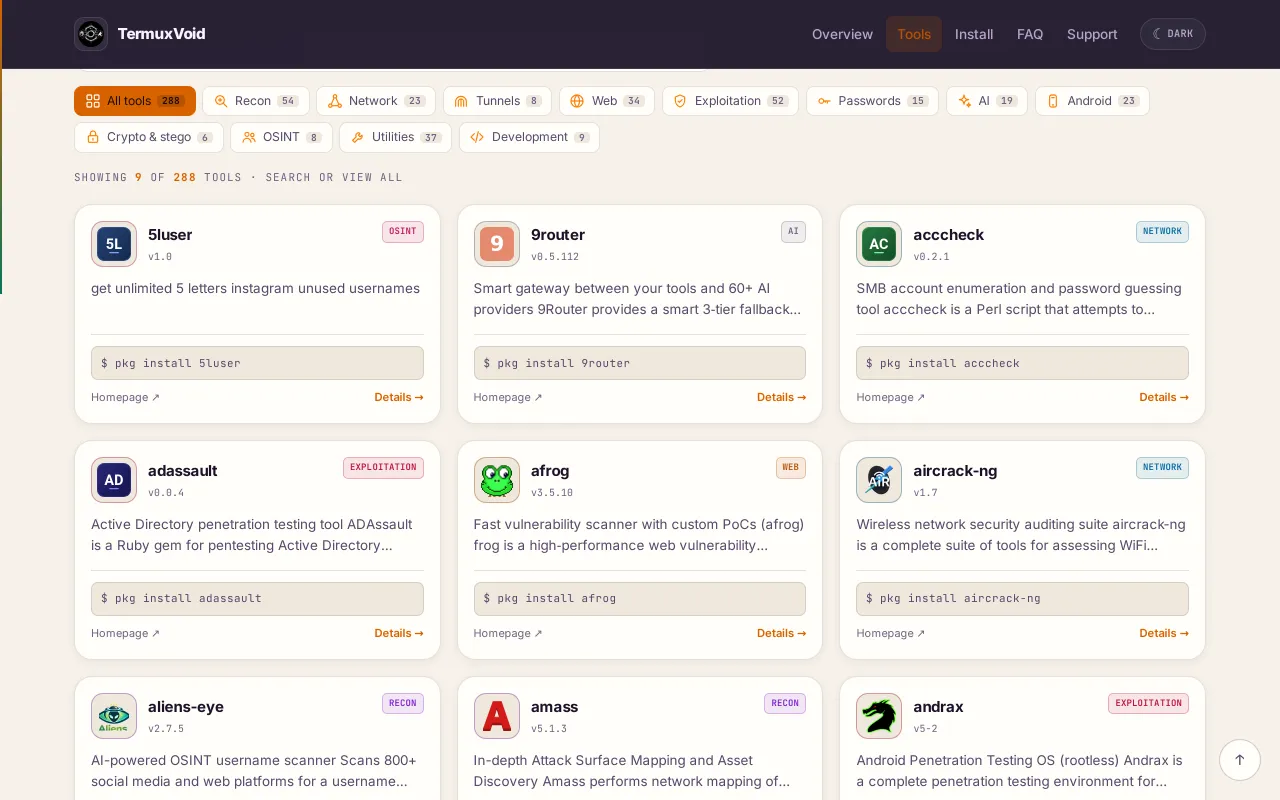
| Area | Tools | Popular packages |
|---|---|---|
| Reconnaissance | 54 | amass, subfinder, httpx, theHarvester |
| Security & exploitation | 52 | Metasploit, Ghidra, John the Ripper |
| Web security | 34 | SQLMap, Burp Suite, nuclei, ffuf, WPScan, ZAP |
| Networking | 23 | thc-hydra, Aircrack-ng, Bettercap |
| Android | 23 | APKEditor, APKLeaks, Blutter, dex2c, hbctool |
| AI tools | 19 | Claude Code, Codex CLI, OpenCode, Laudacode |
| Password tools | 15 | John the Ripper, Hashcat |
| Utilities | 24 | tvpkg, termuxfetch |
| Everything else | 44 | editors, shells, crypto, social engineering, tunneling, games |
You can browse the full list in the package catalog.
Staying updated and staying safe
- Update regularly with
pkg update && pkg upgrade, ortvpkg update/tvpkg upgrade. - Read the package script before installing. Some packages compile on device, others download upstream binaries.
- Checksums are partial by design: fixed-version downloads use pinned SHA-256 hashes, but git clones, mutable URLs and
pip/geminstalls are not pinned. - Dual-use tools: use them only on devices, accounts and networks you own or are explicitly authorized to test.
- Package missing? Run
pkg updatefirst, then check the exact name in the catalog.
A checksum reduces download-tampering risk, but it does not make a package safe. No third-party repository is guaranteed safe, so test unfamiliar tools in isolation.
Remove the repository
curl -sL https://github.com/termuxvoid/repo/raw/main/uninstall.sh | bash
This removes the repository source and key. Packages you already installed stay on the device.
Links
- Website and live tool browser
- APT repository
- Pacman repository
- Full package catalog
- Report an issue
- Telegram
TermuxVoid keeps growing with upstream releases and community requests. If a tool is missing, open an issue with the name and a link to the project.